
Instructor portal · Client work
Instructor Corner
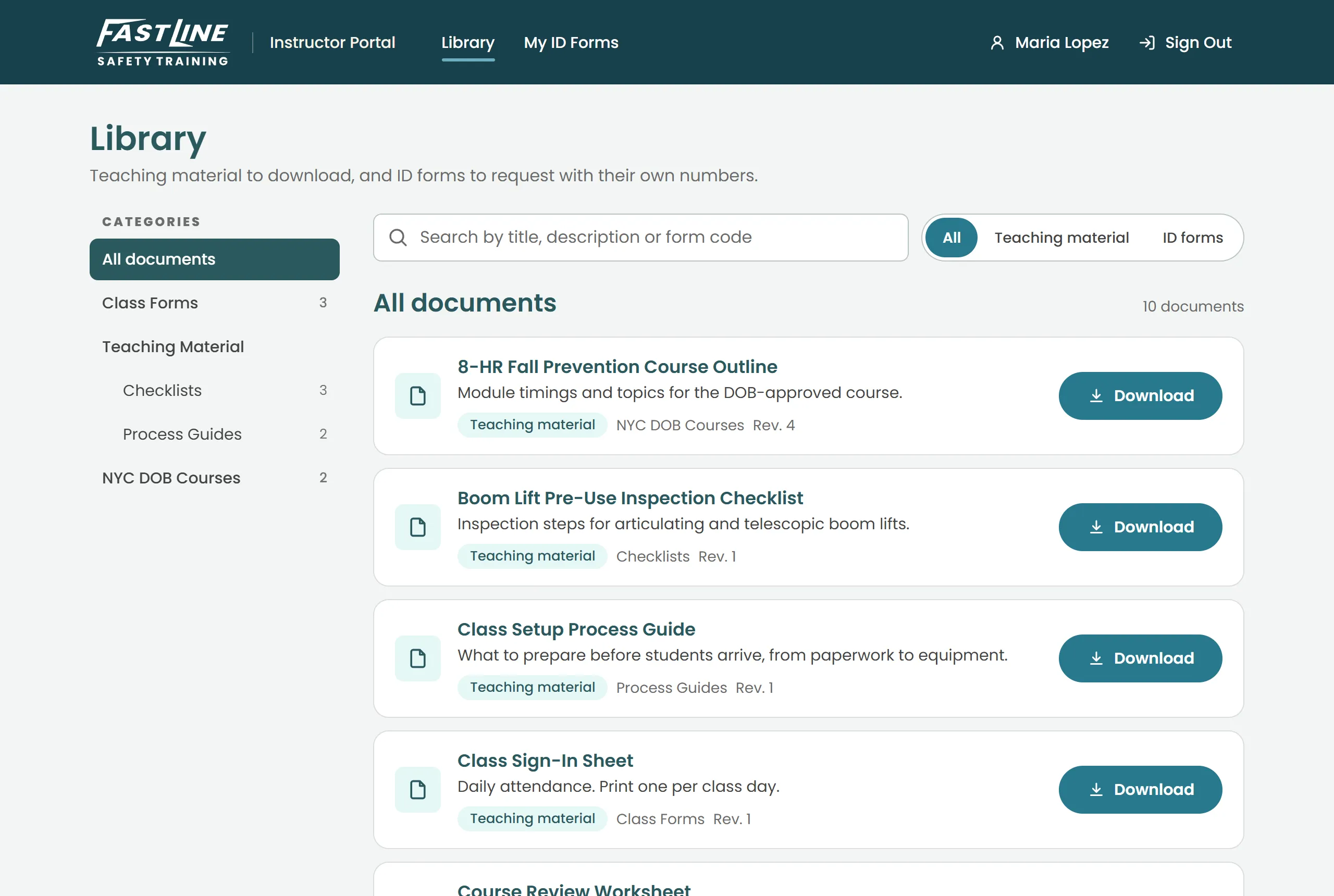
Instructors download class forms, and every copy that needs an ID arrives with a unique one already printed on it.
Fast Line Safety Training is an IACET-accredited construction safety and heavy-equipment school. Some of its forms must each carry a unique ID to stay compliant, and numbering them was a manual job. Instructor Corner numbers every copy as it's downloaded and keeps a permanent record of who got which number.
- Status
- In progressLaunching with Fast Line
- Platforms
- Web · Phone browser
- Built with
- .NET 10 · React · Azure SQL · Azure Blob Storage
- Client
- Fast Line Safety Training
What it does
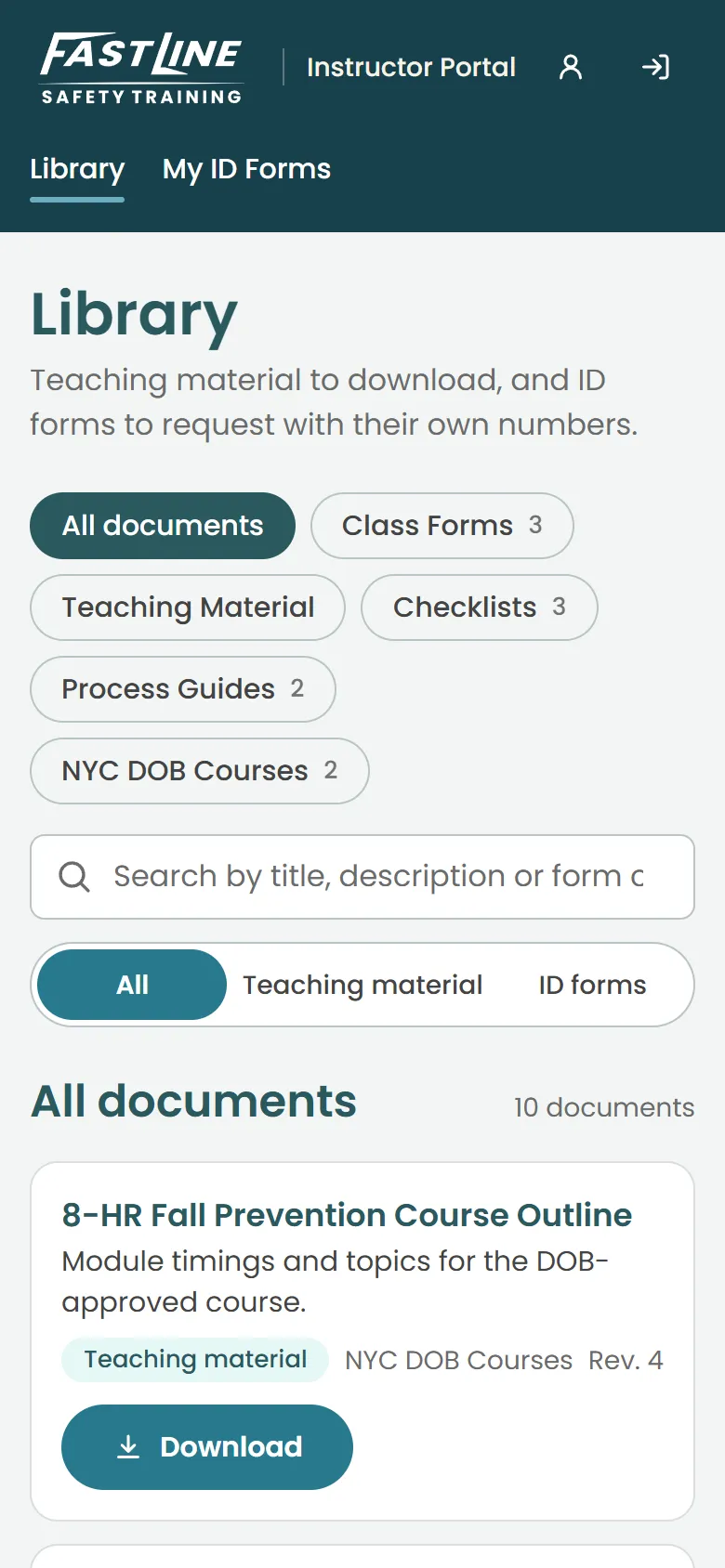
- 01A document library by category. Each instructor sees only what their access groups allow.
- 02Request up to 100 copies of a form; each gets its own ID, name, date and class printed on.
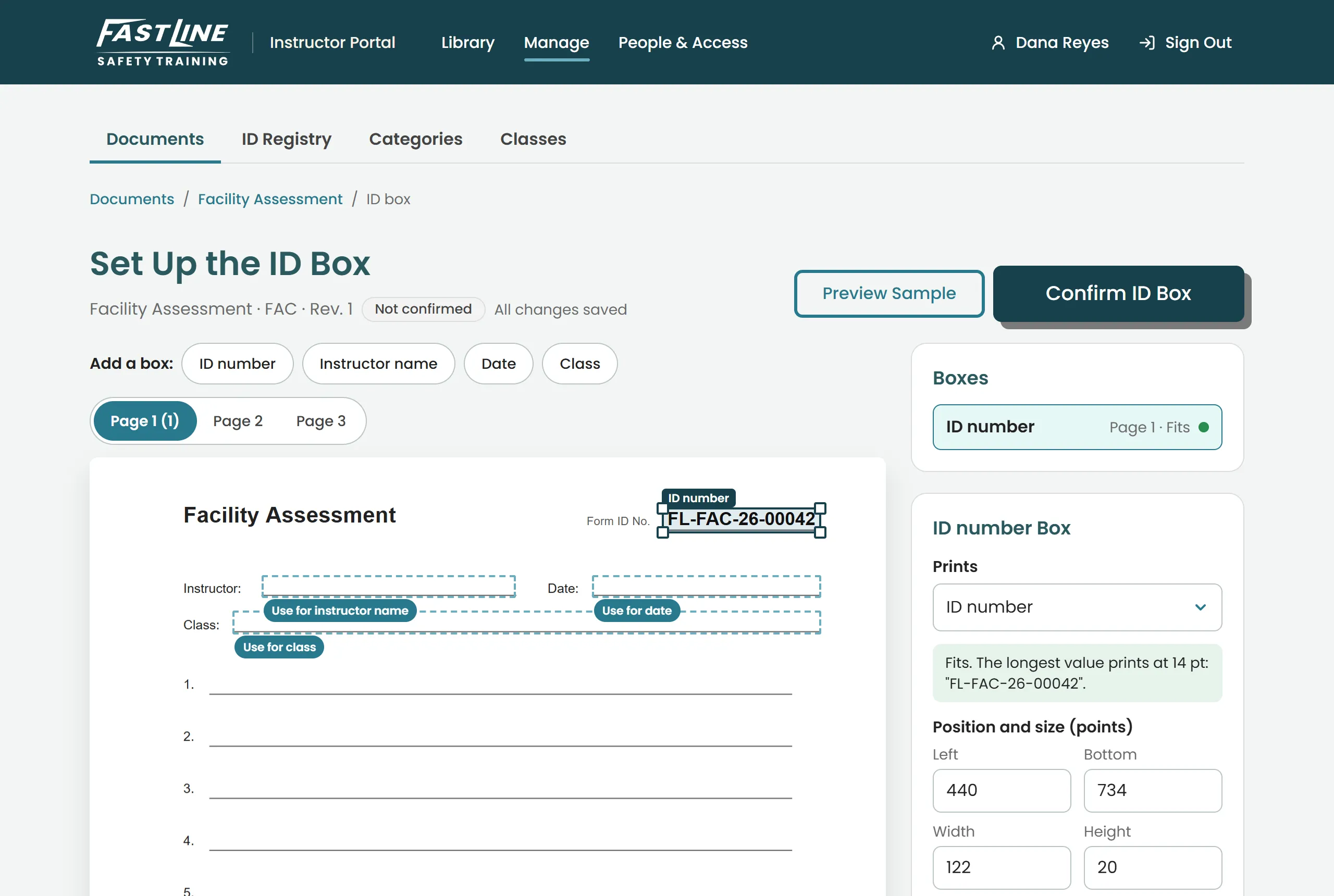
- 03Staff upload a form, draw where the ID goes and preview it. It works on scanned forms too.
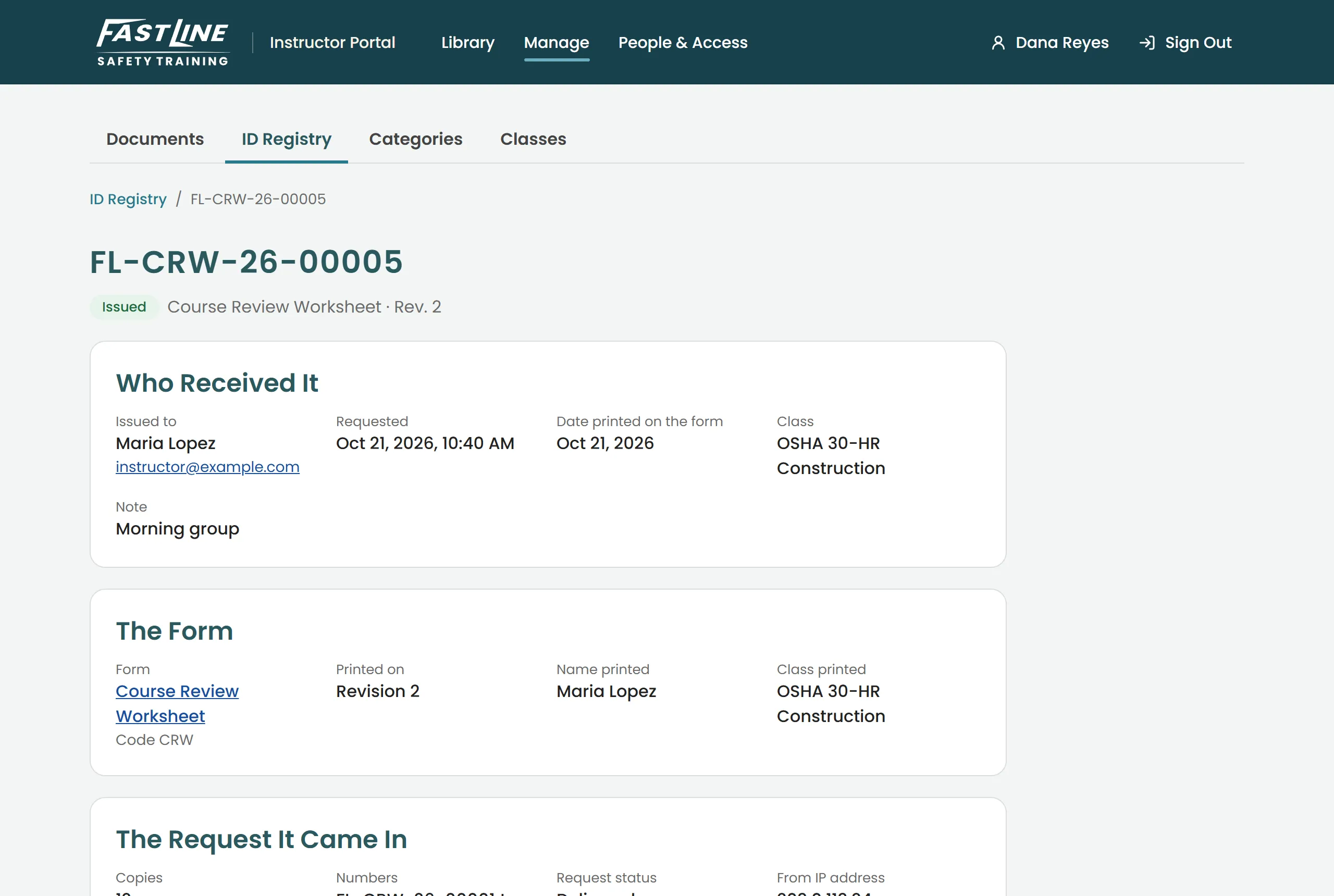
- 04Look up any ID from a paper form — who got it, when, for which class, on which version.
- 05Reprint an exact copy, or export the full record for an auditor.
- 06Nothing is ever deleted. Old versions and records stay on file.
The problem
Some forms — registrations, course review worksheets, facility assessments — must each carry a unique number. Get it wrong and the audit trail breaks. Doing it by hand means a spreadsheet, a counter and a lot of trust.
What it does
An instructor picks a form, says how many copies and for which class, and downloads a PDF with every copy already numbered. Instructor Corner records each number as it’s issued. Months later, office staff can type in the number from a paper form and see exactly where it came from.
Built to be audited
Every request, issue and reprint goes in a log that can’t be edited. Records are kept for good, by design.
In Fast Line’s colours
The portal follows Fast Line’s own brand — the deep teal, Poppins, the forward-leaning wordmark — so it reads as part of the school, not a tool bolted on.